You haven't signed in yet, you can have a better experience after signing in
*Please complete the payment within {{receiveCouponInfo.expire_at}}Previous use*
You haven't signed in yet, you can have a better experience after signing in



Activity Rules
1、Activity time:{{ info.groupon.start_at }} ~ {{ info.groupon.end_at }}。
1、Activity time:cease when sold out。
2、Validity period of the Group Buying:{{ info.groupon.expire_days * 24 }} hours。
3、Number of Group Buying:{{ info.groupon.need_count }}x。
Please Pay Attention
1、Teamwork process: Join/initiate a Group Buying and make a successful payment - Within the validity period, the number of team members meets the activity requirements - Group Buying succeeded!
2、If the number of participants cannot be met within the valid period, the group will fail, and the paid amount will be refunded in the original way.
3、The number of people required and the time of the event may vary among different products. Please pay attention to the rules of the event.
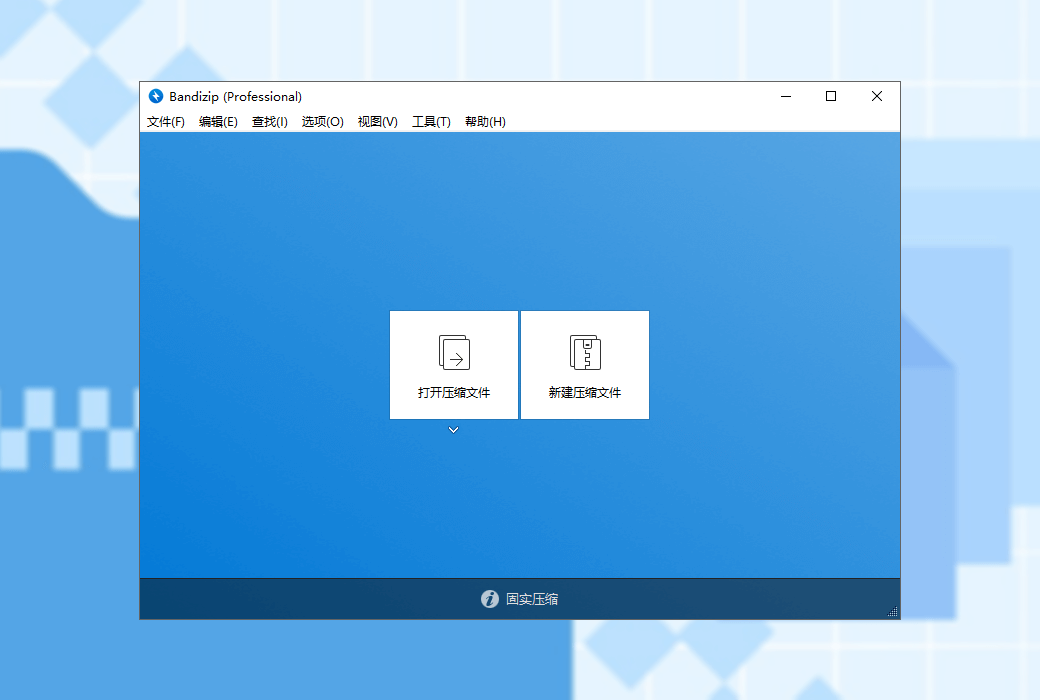
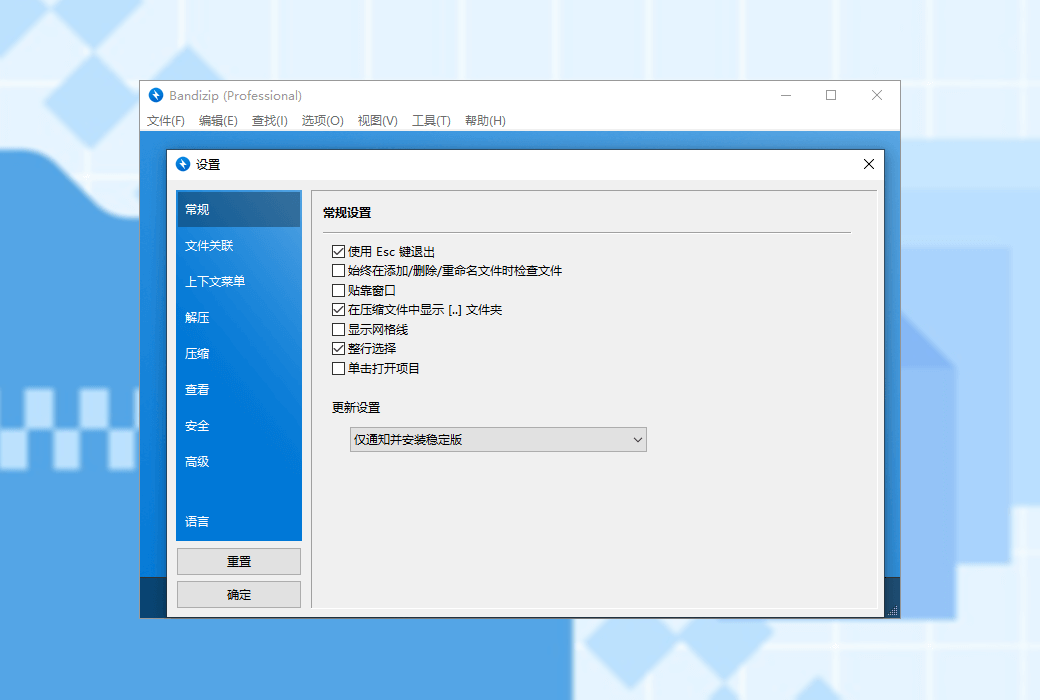
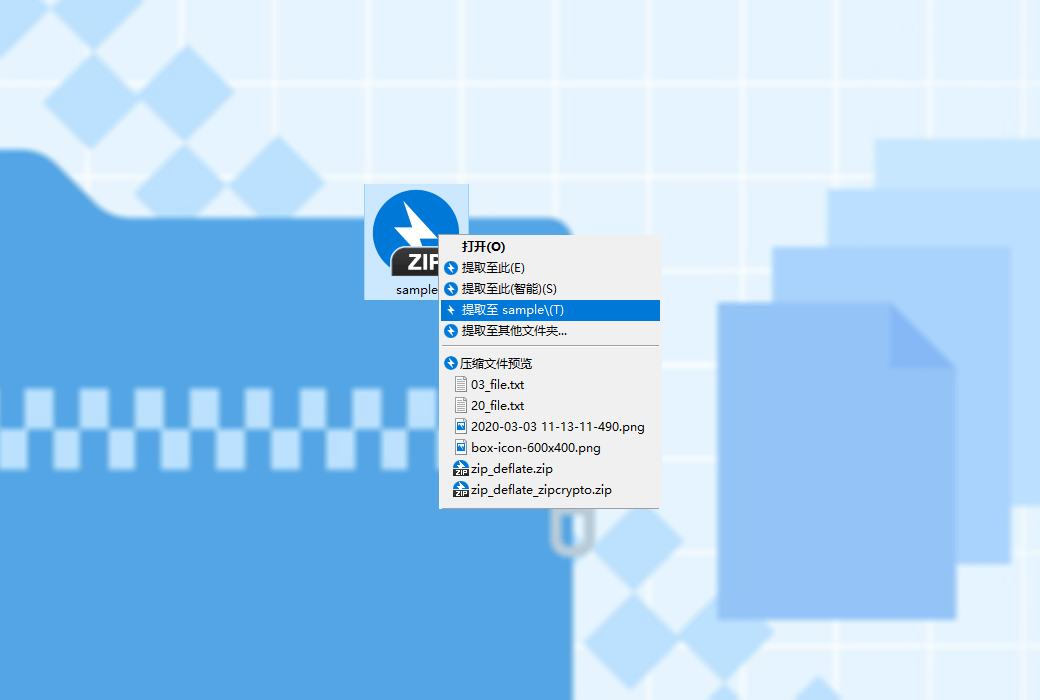
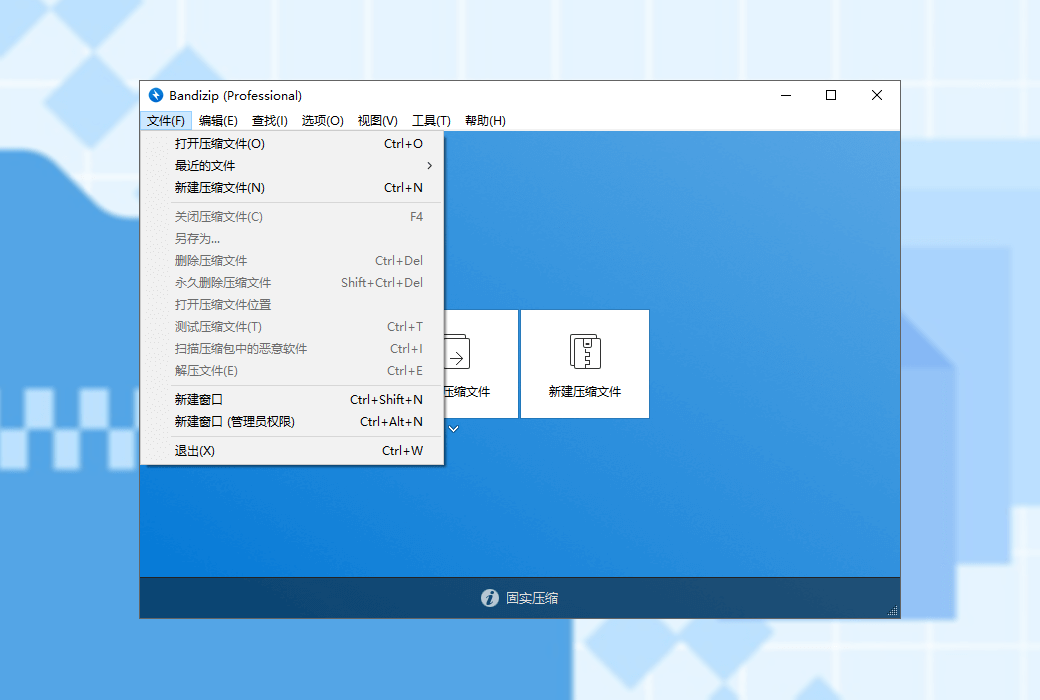
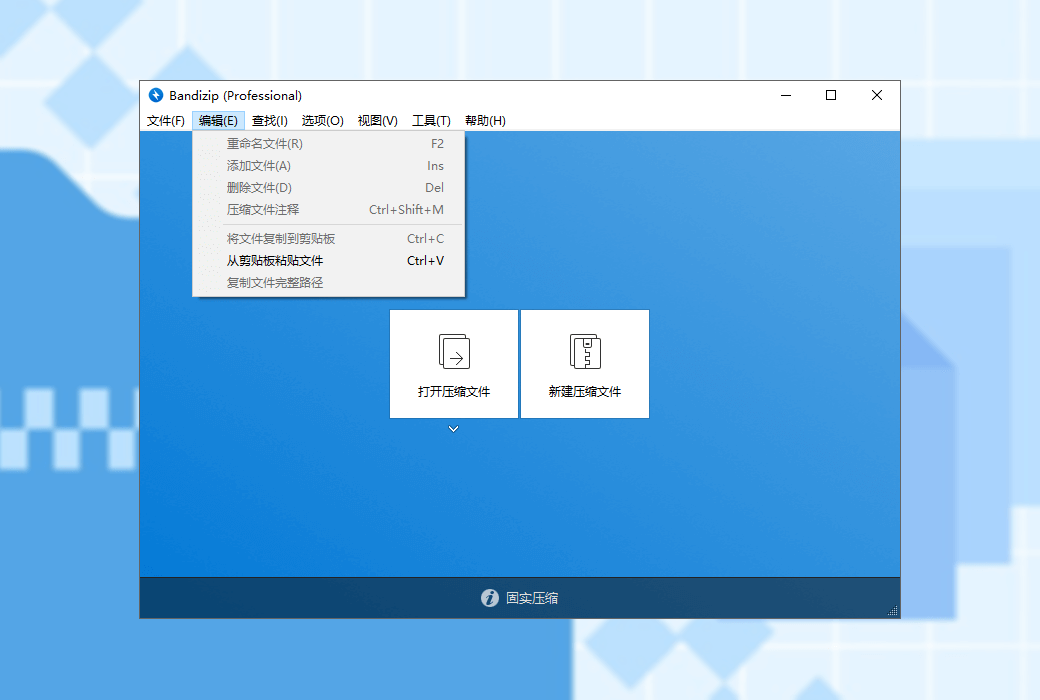
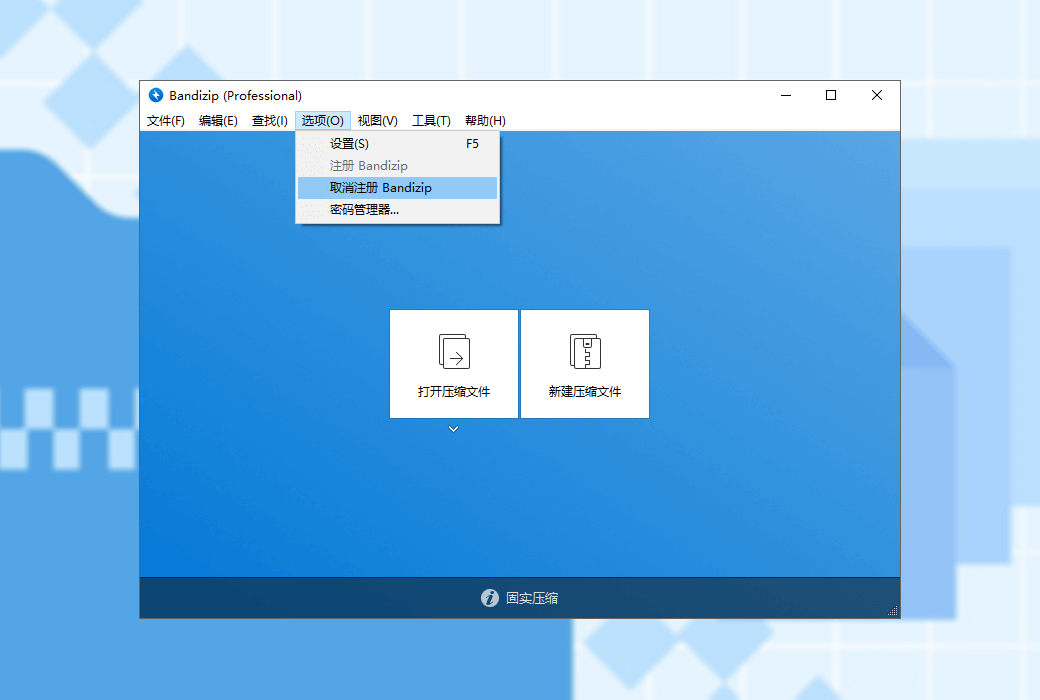
Bandizip is a powerful multifunctional decompression file management tool that provides high-speed decompression speed and various other practical features. This is a free software, and its paid version allows for the use of more practical features.
major function
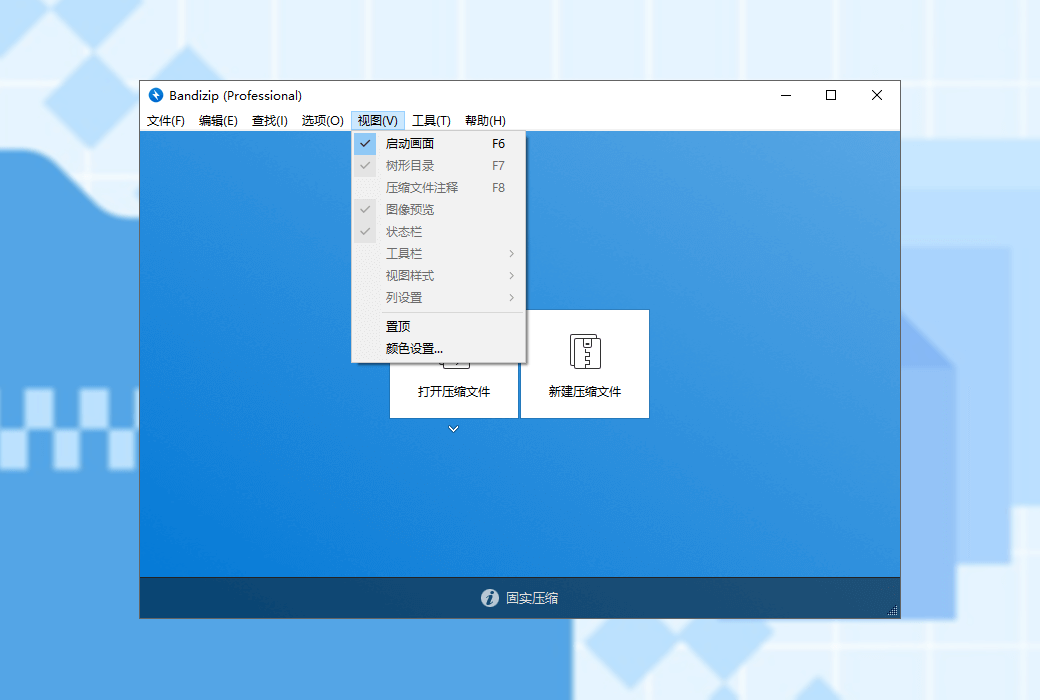
Main features (paid version)
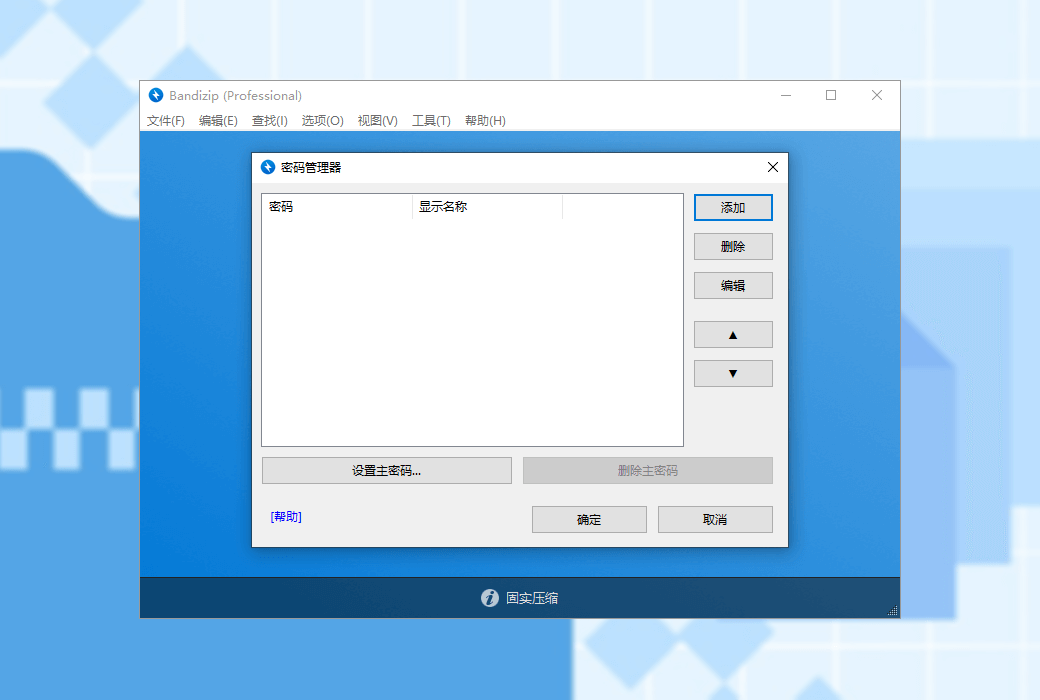
Can help you efficiently manage passwords for compressed files
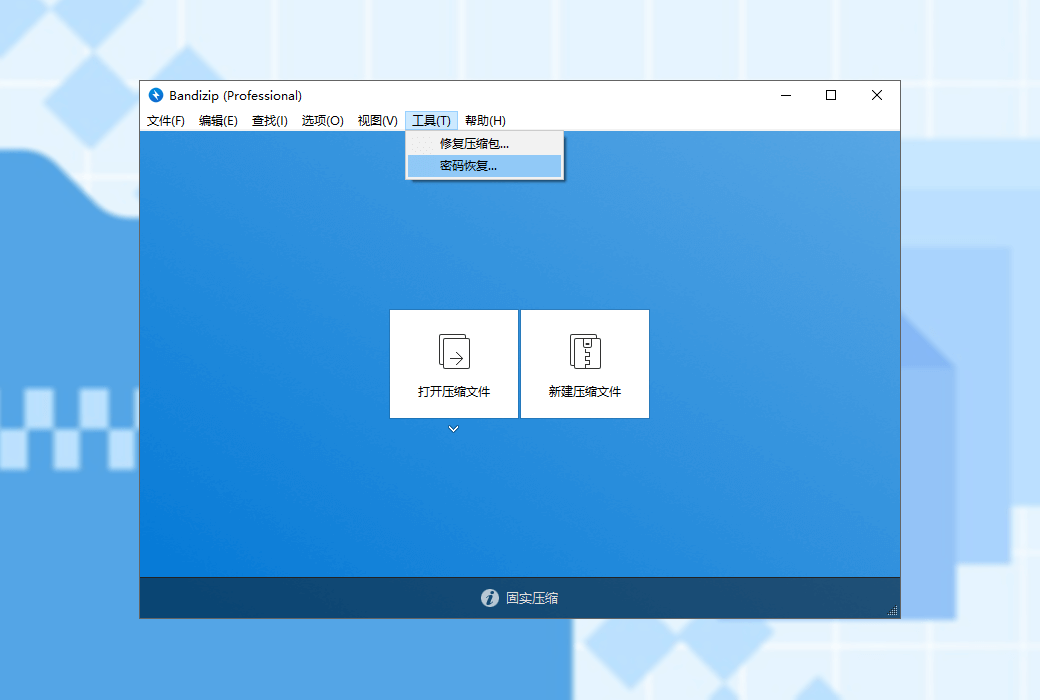
Analyze damaged ZIP compression files and repair them as much as possible
Using brute force cracking to recover the password of compressed files (We cannot guarantee that the password recovery function can successfully recover the password of compressed files. This depends on the algorithm capability of your computer's CPU and hardware configuration, as well as the complexity of the original password. As an agent, we cannot guarantee that the password will be successfully recovered after purchase. Please note.)
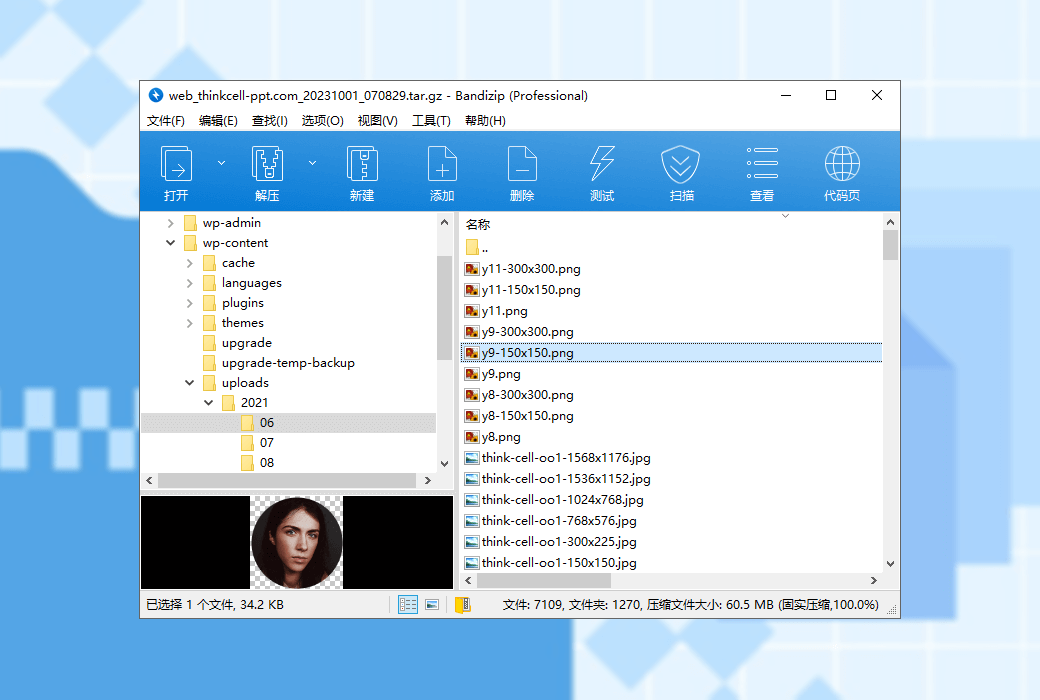
View thumbnail images of compressed files without decompression
Through secure and accurate anti malware scanning, detect malicious software in compressed files, and safeguard the security of your computer
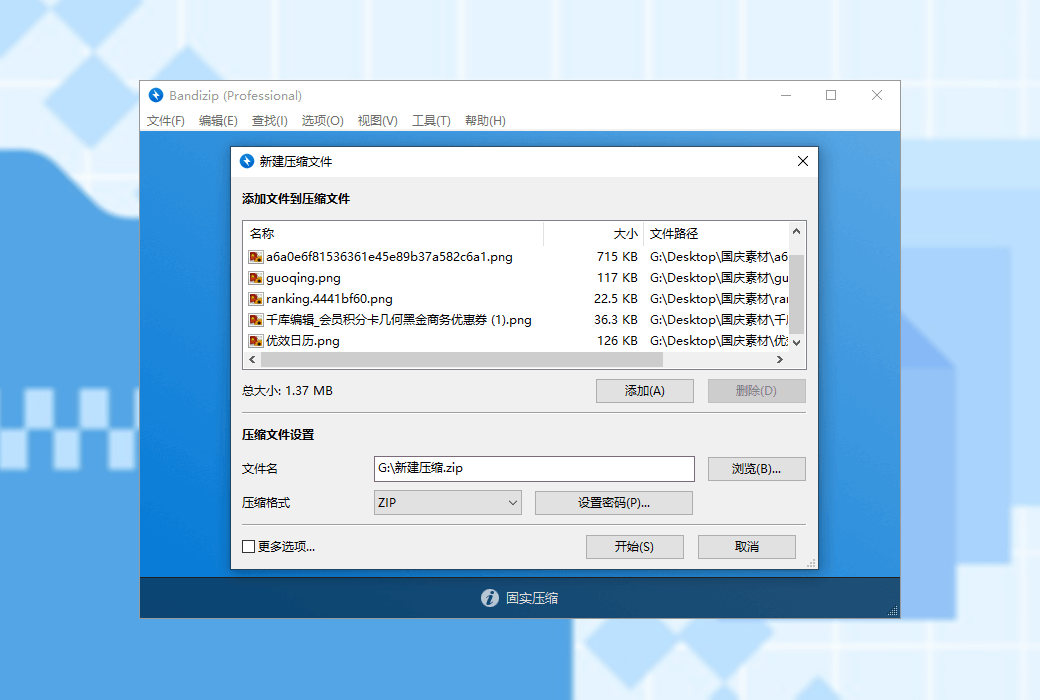
compress
decompression
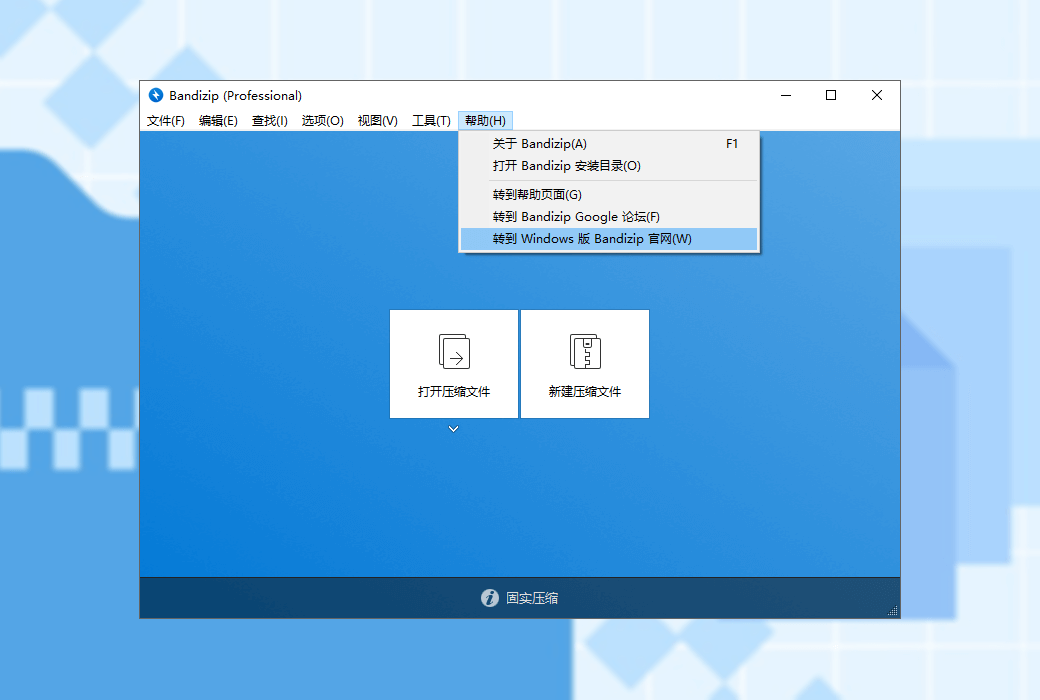
Official Website:http://www.bandisoft.com/
Download Center:https://bandizip.apsgo.cn
Delivery Time: Automatic delivery within 24 hours
Operating Platform: Windows
Interface Language: Supports Chinese interface display, with multiple languages available.
Update Instructions: The license is non-expired, and after successful purchase, you can use it permanently
Trial Before Purchase: A limited free version is available for use before purchase.
How to Receive the Product: After purchase, the activation information will be sent to the email address used for the order via email, and you can also view the corresponding product activation code in your personal center, under "My Orders".
Number of Devices: Professional Edition: Supports installation and activation on up to 5 computers. Enterprise Edition: Depends on the number of licenses purchased.
Changing Computers: Uninstall on the original computer and activate on the new one.
Activation Guide: To be added.
Special Instructions: We cannot guarantee that the password recovery feature will successfully recover the password of the compressed file. This depends on the algorithmic capabilities of your computer's CPU and other hardware configurations, as well as the complexity of the original password. As an agent, we cannot guarantee that the password will be successfully recovered after purchase. Please be aware.
References:http://www.bandisoft.com/bandizip/help/license-policy/

Any question

The function "repair compressed package" in Bandizip software only supports a single ZIP compressed package. If the damaged compressed package is a split ZIP compressed package, or if for other reasons the split ZIP compressed package needs to be made into a single compressed package without recompression, a simple command can be used to manually merge the split ZIP compressed packages.
1. Check the file
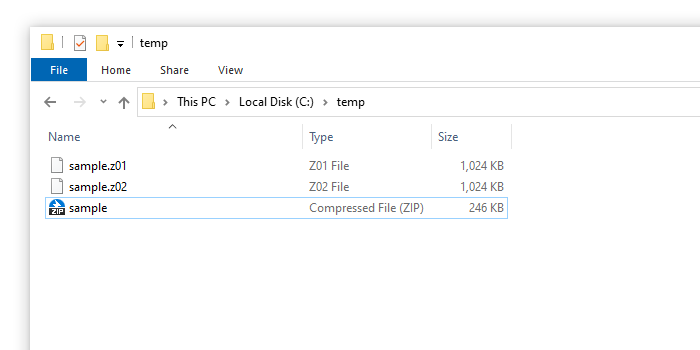
The ZIP format split compressed package will create extensions "z01", "z02" And the file with the "zip" extension, as shown in the following figure.
2. Merge files
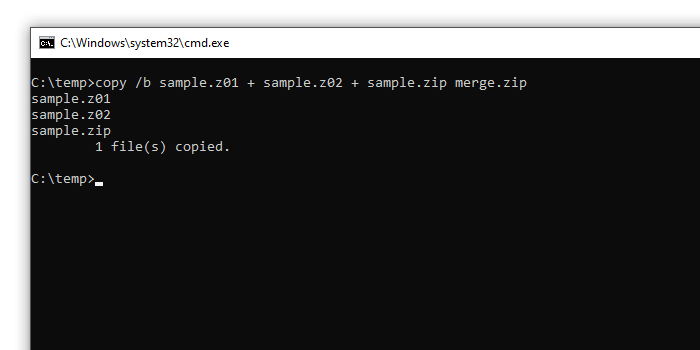
Open the command prompt at the file location and run the following command.
copy /b sample.z01 + sample.z02 + sample.zip merge.zip
warn
Please pay attention to the order in which file names are entered. The 'zip' file must be placed at the end.
Due to the possibility of damaging files if incorrect commands are entered, please ensure that you have a copy of the original file.
3. Open the merged archive
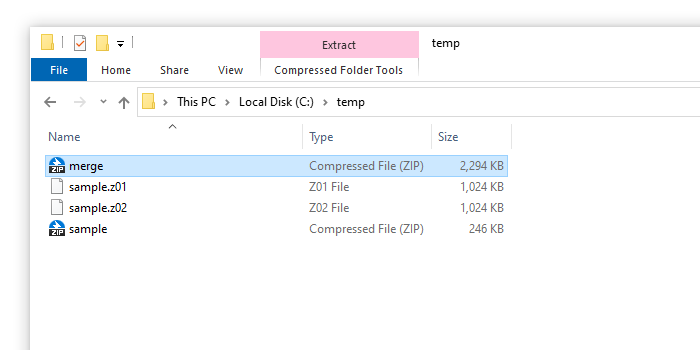
You can find a ZIP compressed file called 'merge. zip', as shown below. You can open the merged compressed file or start repairing the compressed file
Source text from:https://cn.bandisoft.com/bandizip/howto/merge-split-zip/